Cart is empty
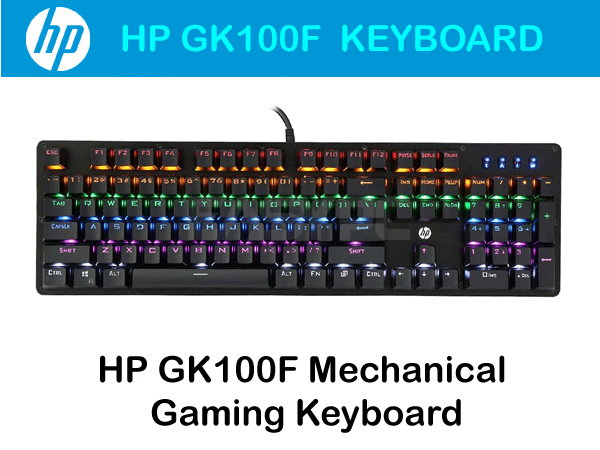


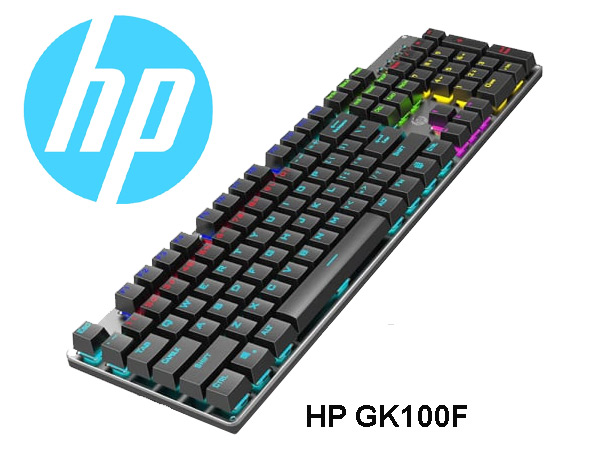

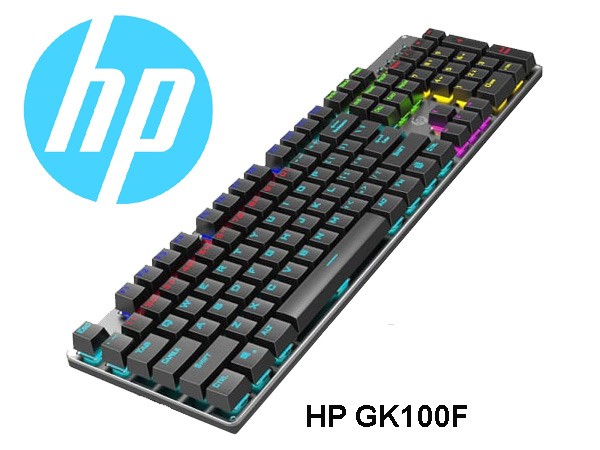
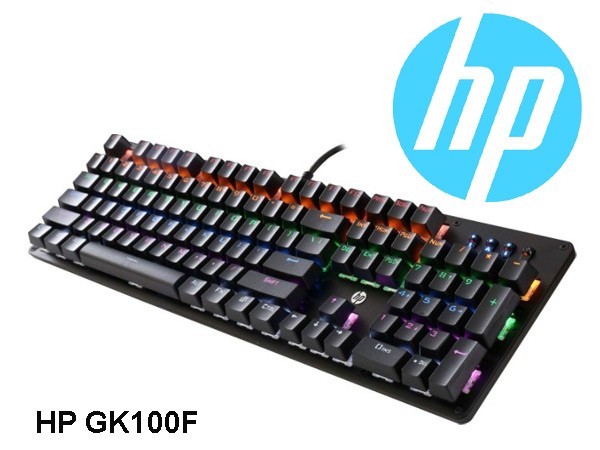
HP GK100F Mechanical Gaming Keyboard RGB Light Wired Keyboard
Special Price LKR 9500.00
Regular Price:
- Islandwide Delivery Available
The HP GK100F is a high-performance mechanical gaming keyboard built for gamers and high-speed typists who demand tactile accuracy, rapid response, and eye-catching aesthetics. Featuring robust mechanical switches, a premium metal panel, dynamic RGB backlighting, and full N-key rollover anti-ghosting, the GK100F ensures every keystroke registers instantly during high-stakes gameplay.
Key Features
-
Tactile Mechanical Switches: Outfitted with durable mechanical switches rated for up to 50 million keystrokes, providing distinct tactile feedback and satisfying clicky response.
-
Dynamic RGB Backlighting: Multiple customizable RGB lighting modes, color effects, and brightness levels create an immersive gaming setup.
-
Full Anti-Ghosting (N-Key Rollover): Every key press is recognized individually, allowing simultaneous key combinations without input lag or missed commands.
-
Durable Metal Top Panel: Engineered with a heavy-duty metal frame for extra rigidity, preventing flex during intense gaming sessions.
-
Double-Injection Keycaps: Keycaps are molded through a double-shot injection process to prevent character wear, ensuring the legend never fades.
-
Ergonomic Design & Feet: Stepped keycap layout with adjustable rear kickstands helps reduce wrist fatigue over long hours of play or typing.
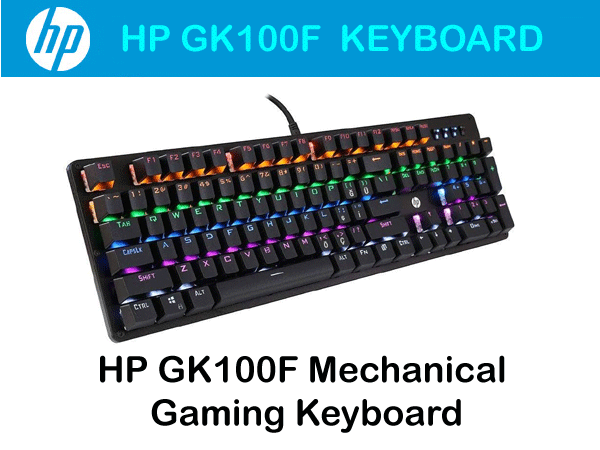
Elevate your gaming and typing experience with the HP GK100F Mechanical Gaming Keyboard. Engineered for high performance, durability, and style, this keyboard combines tactile mechanical switches with vibrant RGB backlighting to deliver speed, precision, and aesthetics in every keystroke. Whether you are navigating intense gaming sessions or handling heavy daily typing, the HP GK100F is built to perform.
Model: HP GK100F
Keyboard Type: Mechanical Gaming Keyboard
Connection Interface: Gold-plated USB 2.0 / 3.0 Type-A
Cable Type: High-durability strain-relieved cable
Cable Length: ~1.8 meters (approx. 6 feet)
Cable Type: High-durability strain-relieved cable
Cable Type / Length: High-durability PVC / ~1.6 to 1.8 meters
Lighting: Multi-Color / RGB Backlighting
Keycap Style: Ergonomic, Wear-Resistant Double-Shot
Body Material: Metal Panel & ABS
Switch Lifespan: Up to 50 million clicks
Lighting Effects: Multi-mode RGB Backlighting
Anti-Ghosting: Full N-Key Rollover
Panel Material: Metal / ABS Alloy Frame
Keycap Type: Double-Shot Injection Molded
Operating Voltage: 5V / < 200mA
System Compatibility: Windows 11, Windows 10, Windows 8, Windows 7, macOS / Linux (Basic typing natively supported)